New: surface type and viewpoints
Finish a route, pick your terrain. Find a view, save it. Simple.
Terrain after your ride
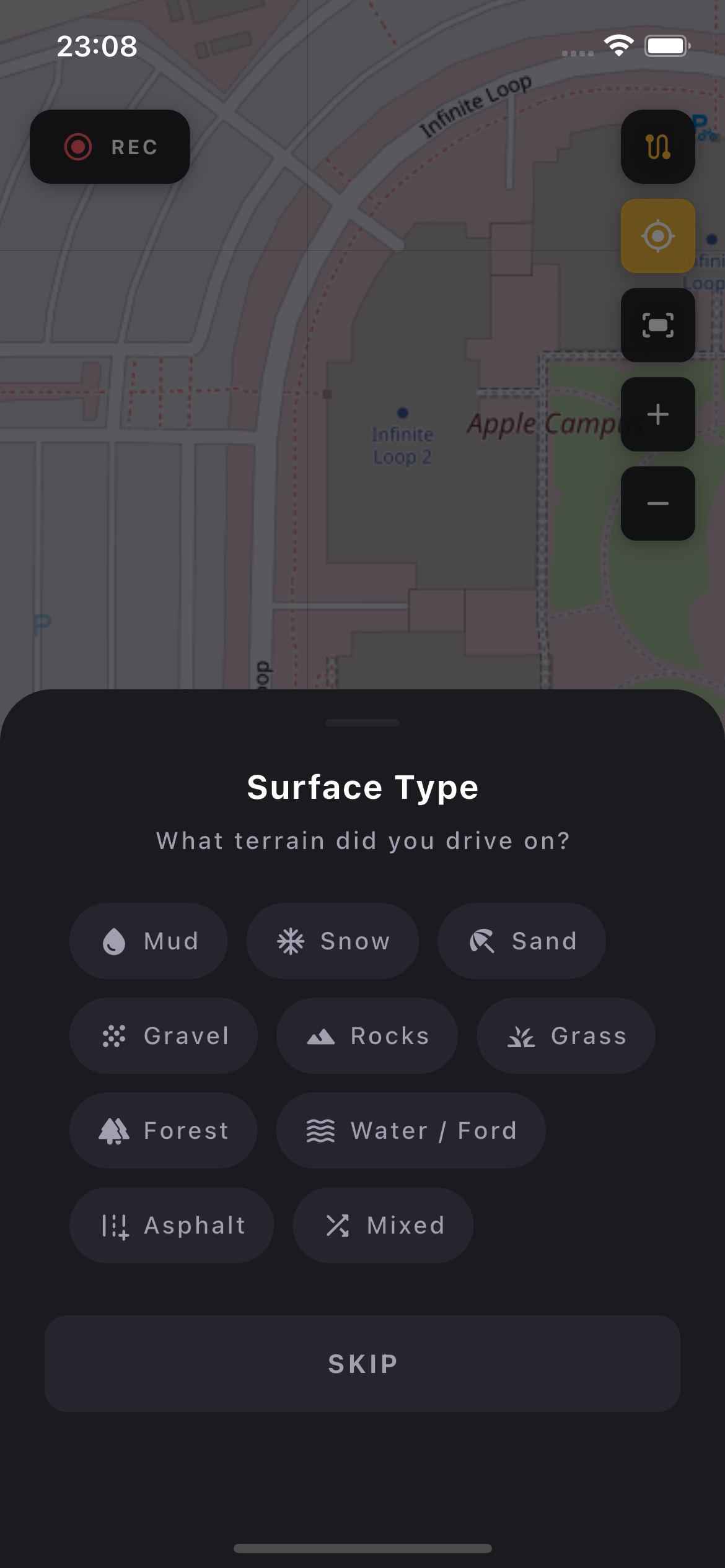
When you finish a route, the app asks what you rode through. Mud, snow, gravel, rocks, forest, water ford — 10 types in total, each with its own icon. One tap to select.
Rode through mud and rocks? Pick both. As many as you want, no limit.
Don't feel like choosing? Swipe down or hit SKIP. No pressure.
Change anytime
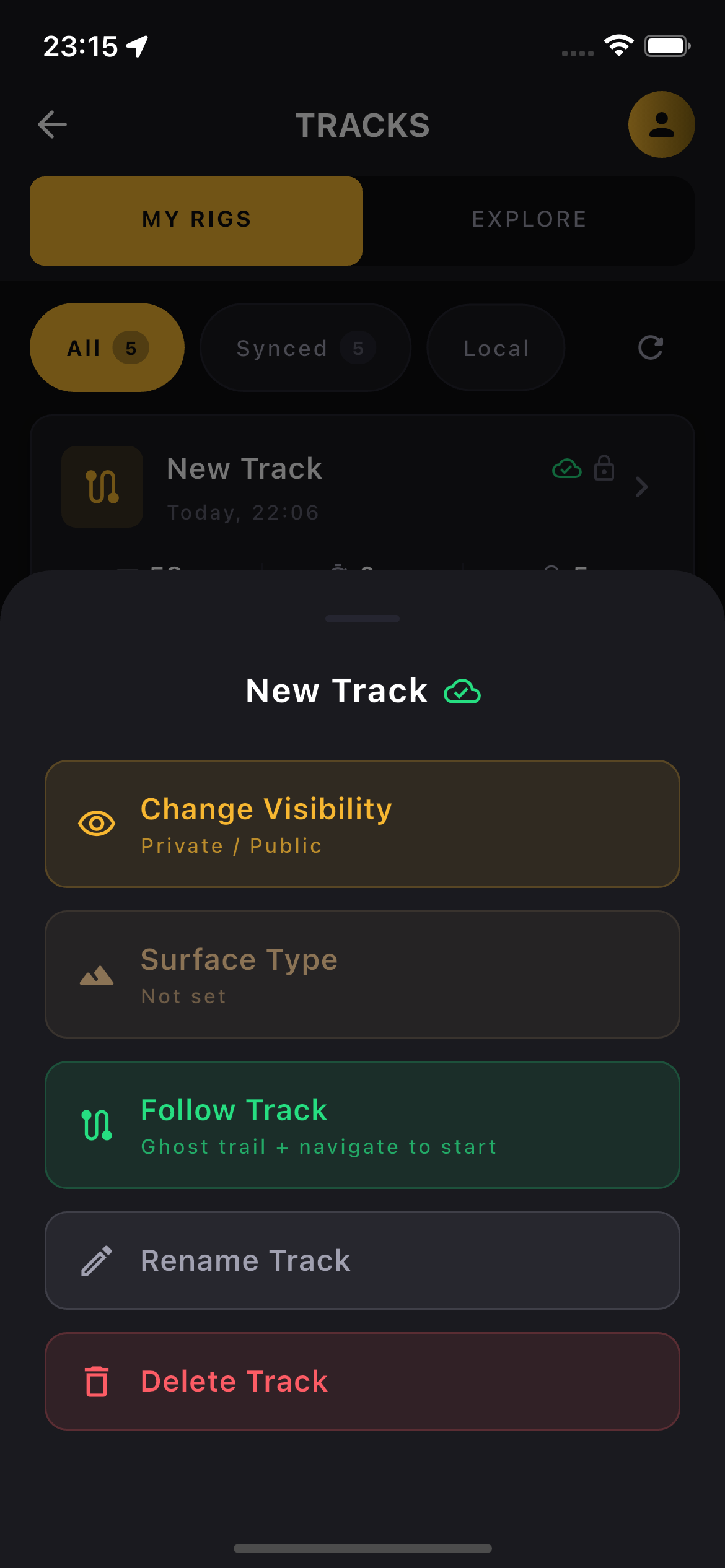
Forgot to pick? In My Routes long-press the route, tap Surface Type and change it anytime.
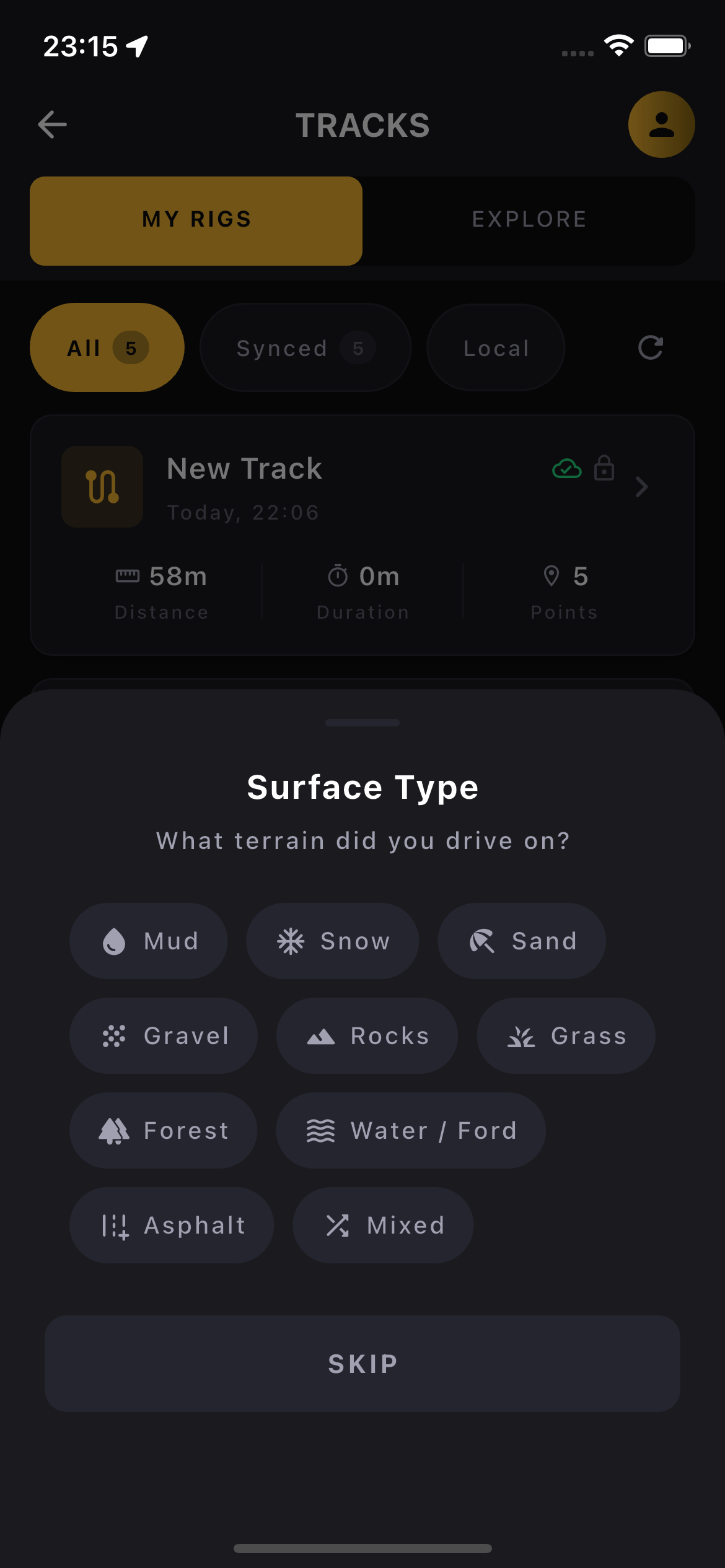
Same selection as after the ride — just through the menu.
Viewpoint
New event type. When you hit a spot worth stopping at during your ride — tap Viewpoint and save it. You can also snap a photo of the view so you remember what it looked like a month from now.
The photo stays on your device only. It's not uploaded, not shared, not shown anywhere. So even if you accidentally capture a license plate or something sensitive — no one will see it.
Others will only see a viewpoint pin on the map and know it's worth a stop.
Why we're doing this
This is groundwork. The goal is filtering routes by terrain — yours and the community's. Looking for something through gravel and forest? You'll find it. But that's coming in the next update.
What do you think?
Missing a terrain type? Would you change something? Comments are below, we read every one.
Comments (0)
Leave a comment